Verify Your Ride Driver on Phu Quoc and Avoid Fakes
Editorial team · Checked 5 November 2026
In short
Before you get in, match the plate, driver name and photo in your booking with the car in front of you, ask the driver to say your name, and share the trip. If anything does not match, do not get in.
Match three things before you get in: the plate, the driver’s name and the driver’s photo. In a ride-hailing app, all three appear in your booking. Compare them with the car in front of you, ask the driver to say your name, and share your trip with a friend. If anything does not match, do not get in.
How do I match the plate, name and photo with my booking?
Open your booking, read the plate and the driver’s name, and compare them with the car and the person before you open the door.
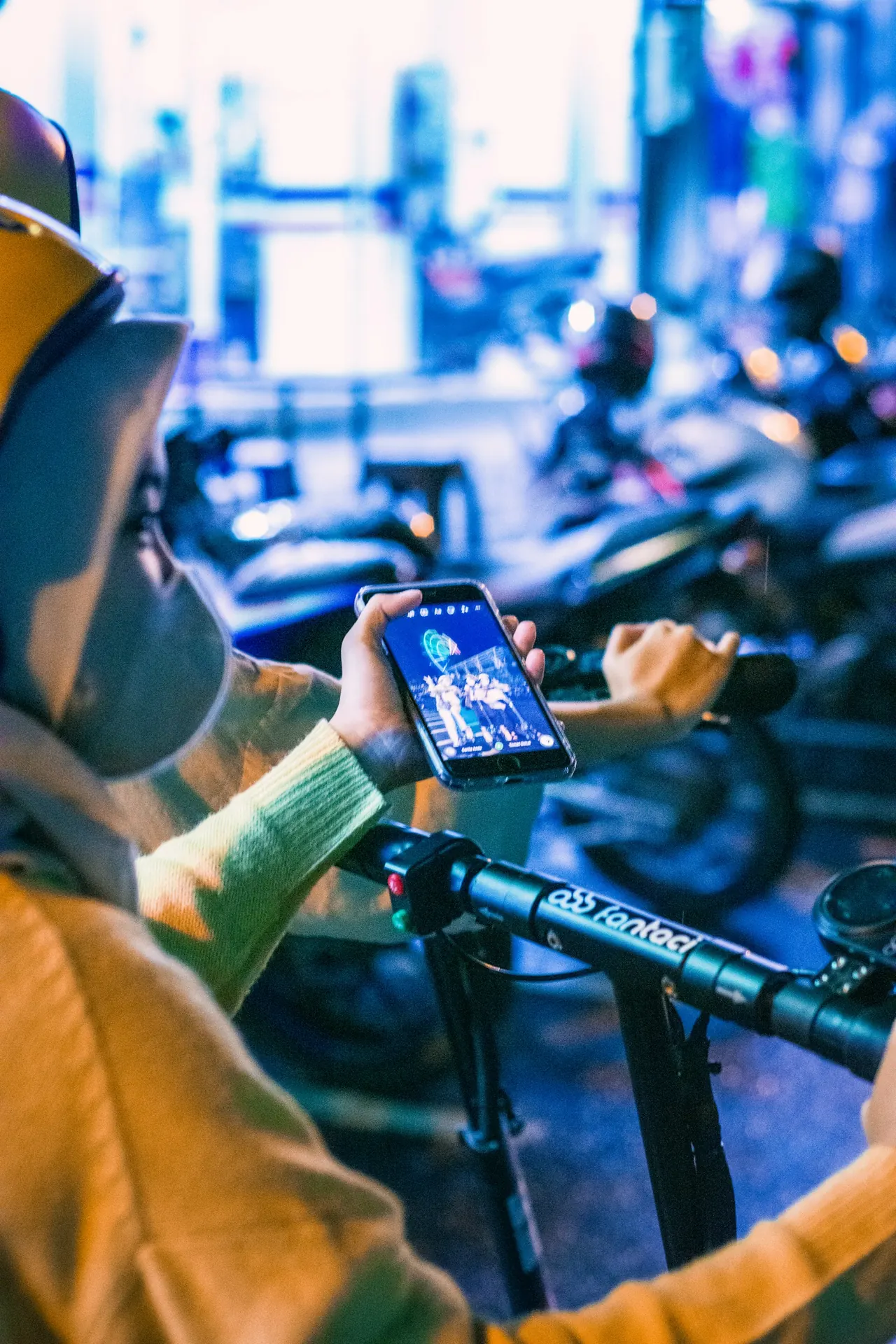
In a ride-hailing app, the price is fixed before pickup, and the driver’s plate and photo appear in the app. You can also message the driver inside the app before you meet, and follow the in-app directions to the pick-up point. Use these tools. They are the best protection against a fake car, because a stranger at the kerb cannot know what your booking shows.
A quick routine:
- check the pick-up location in the app before you book, and make sure it is correct
- enter your destination before booking, so the fare and route are fixed
- wait for the car to arrive, then read the plate aloud against your screen
- look at the driver’s face and compare it with the photo
- check the car type and colour against the booking
- only then open the door
At Phu Quoc International Airport, the ride-hailing motorbike service has a separate pick-up and drop-off point. Follow the in-app directions to the right place, rather than following a tout.
Should I ask the driver to say my name?
Yes, always ask the driver to tell you your name and destination, rather than offering them.
If you say “I am Anna, going to the hotel”, a fake driver can nod and say “yes”. If you ask “Who are you picking up, and where to?”, only the real driver can answer. This simple habit is quick, polite and very hard to fake.
You can say it in a friendly way:
- “Hello, could you tell me my name and where we are going?”
- “Which name is on the booking?”
If the driver hesitates, guesses or says “get in, I’ll show you”, do not get in. A genuine driver has the booking on their phone and will answer at once.
For a booking made by messaging app, the same rule applies. Ask the operator for the driver’s name, the car description and the plate in advance, and match them on arrival.
What are the safety tips for late-night pickups?
Wait in a lit, safe place, check everything before you open the door, and keep your trip shared and your map open.
At night, it is harder to read the plate and the driver, and there are fewer people around if something goes wrong. Take a few extra steps:
- wait inside the hotel or a lit shop until the car is close
- keep your phone charged, and note the car description in the chat
- check the plate, name and photo in good light
- sit in the back, and keep your bag on your lap or beside you
- keep a maps app open and follow the route
- avoid cars that approach you without a booking, even if they offer a low price
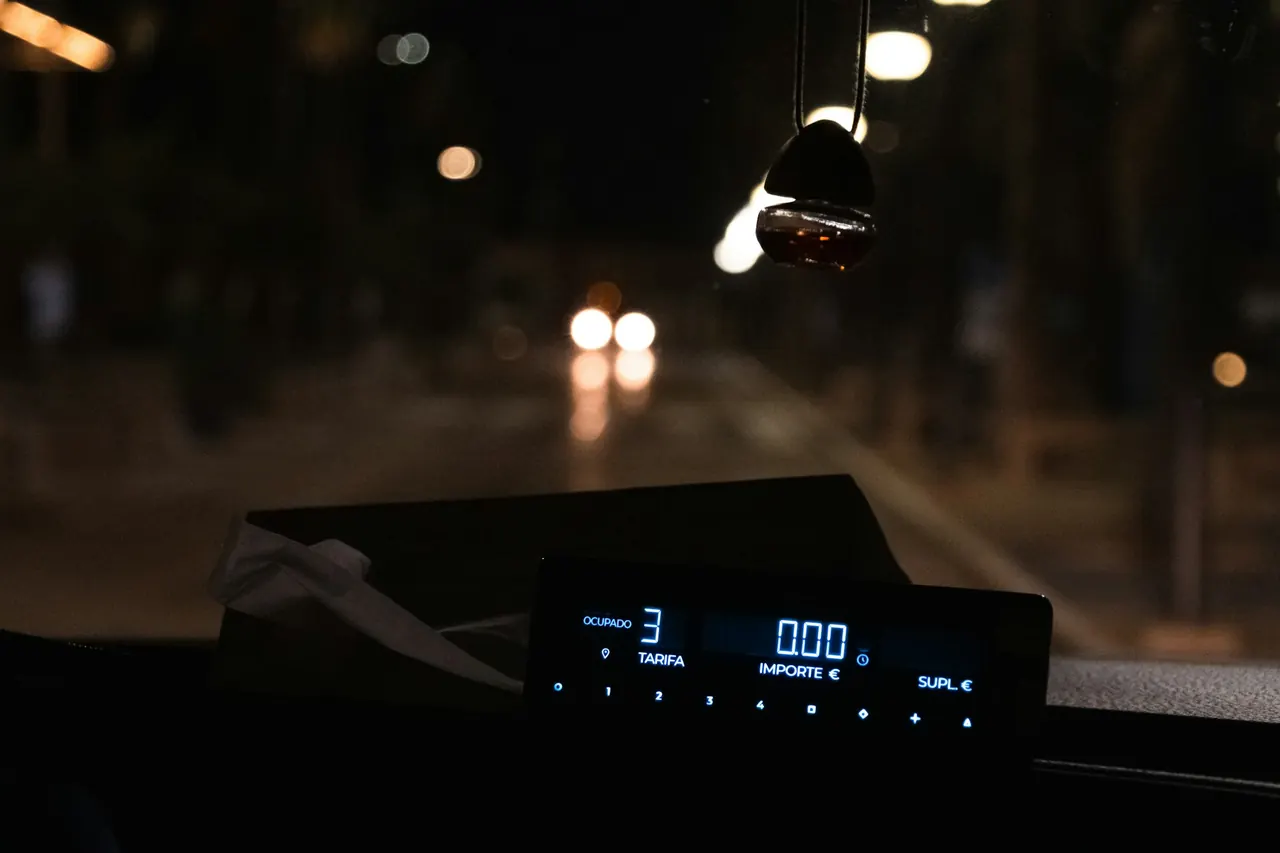
If you plan to travel late, ask about availability and fares in advance, since they may differ at night. The page on night taxi fares, linked at the end, gives a guide. A ride-hailing app also shows its fixed fare upfront, which helps you avoid airport touts and surprises.
How do I share the trip with a friend?
Use the safety tools in the app, or send the car and driver details in a message.
A ride-hailing app has a safety centre and real-time trip monitoring that let you follow the ride and share your live location. Turn it on before you set off and send the link to a friend or family member. They can then follow the route and see that you arrive.
For a booking outside an app, a message works almost as well. Send:
- the driver’s name
- the car description and plate
- the pick-up place and time
- the destination
- a message when you arrive
Ask your contact to reply, so that someone knows to check if you stop sending updates. Also keep your phone’s location sharing on for the ride, if you are comfortable with it.
What should I do if the car does not match?
Do not get in, step back, and cancel or end the booking.
If the plate, the name or the photo differs from your booking, there is a problem. It may be an honest mistake, such as a driver using a different car, but you cannot tell, and your safety comes first.
Do this:
- say politely that the details do not match, and do not open the door
- take a photo of the car and the plate
- cancel the ride in the app and book another
- report the car in the app, with the photo
- if the driver pressures you, walk to a busy place such as a shop or a hotel entrance
- if you feel in danger, call the police
Also check the route during the ride. If the driver takes a road that does not match the map on your phone, say so. The guide to common taxi scams, linked at the end, explains the other tricks.
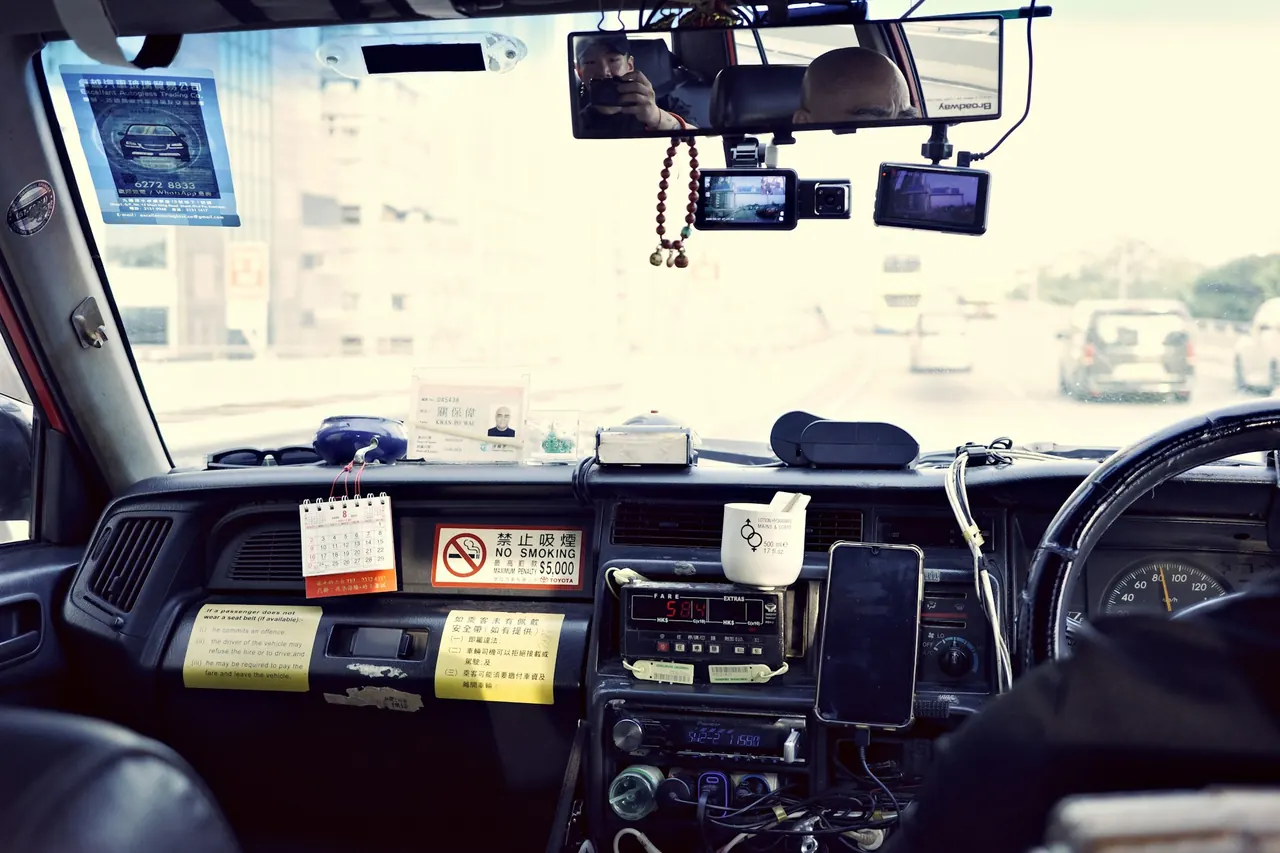
For street taxis, there are further checks. Real drivers of well-known taxi companies wear branded shirts and have a photo ID card on the dashboard. Fake cars copy the colours but rarely copy everything. Read the full company name on the door.
| Check | Genuine sign | Warning sign |
|---|---|---|
| Plate and photo | Match the booking | Different car or person |
| Driver’s answer | Says your name and destination | Asks you to say them first |
| Company car | Branded shirt and ID card | No ID, odd name on the door |
| Fare | Fixed in the app or on the meter | A flat price named at the kerb |
| Route | Matches your map | Unexplained detours |
What to do next
Make the check a habit: plate, name, photo, then ask for your name. Share your trip every time, even for short rides.
Read the guide to common taxi scams for the other tricks, and see how ride-hailing app fares are shown on Phu Quoc, so that you know what a normal quote looks like. For late rides, check the page on night taxi fares and availability.
Prefer a ride arranged for you? Message us on WhatsApp. We arrange it with local partners and confirm the exact price in the chat before you pay.
Frequently asked questions
How do I check that my ride is the right car?
Should I ask the driver to say my name?
How do I share my ride with a friend?
What are the safest habits for late-night pickups?
What should I do if the car does not match the app?
How do I tell a genuine taxi from a fake one?
Read next
-
 Guides
Taxi Scams on Phu Quoc and How to Avoid Them
Most Phu Quoc drivers are honest. The tricks reported are rigged meters, inflated flat prices and fake or unmarked cars, mostly around the airport. Check the meter, the car and the route before you commit.
Read → -
 Services
Night Taxi on Phu Quoc: Fares and Availability
Listings put metered taxis at about VND 13,000-15,000 per km (guide range checked on 5 November 2026), with no separate night rate shown. After 10 PM an app can be hard to get, so pre-arrange your ride.
Read → - Services
Ride-Hailing App Fares on Phu Quoc Explained
One ride-hailing app lists a short ride in Duong Dong at about VND 30,000-60,000 (guide range checked on 5 November 2026). Prices are not fixed and can rise in the evening, at weekends and in rain.
Read →